
Workflow Automation
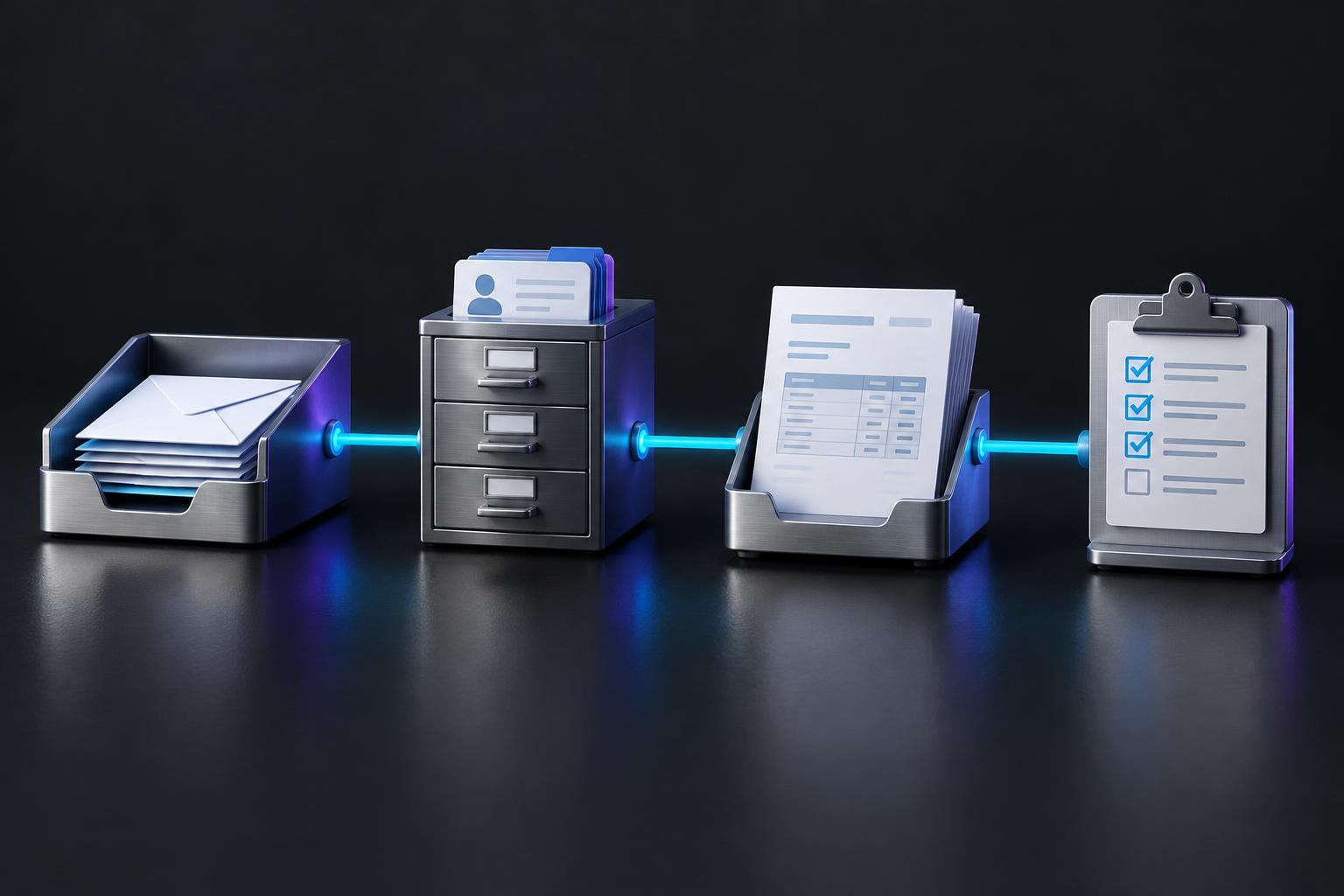
Move information between systems without copying, chasing, or re-keying.
The same data is typed into three places, handoffs depend on someone remembering, and delays stay invisible until a customer complains.
Who it's for
Operations leaders whose teams act as the glue between the CRM, inbox, finance tool, and project system.
Common workflows
- Quote accepted → job created, deposit invoice drafted, kickoff scheduled
- New hire form → accounts provisioned, equipment ordered, checklist assigned
- Order exception → flagged, owner assigned, customer update drafted
- Weekly reporting pulled from source systems instead of spreadsheets
What the system handles
- Triggers from forms, email, CRM and finance events
- Data validation and de-duplication
- Routing and assignment rules
- Status updates and notifications
Human control & exceptions
- Approval steps before money moves or customers are contacted
- Failed runs alert an owner and retry safely
- Every run logged with inputs and outputs
Delivered through our four-step method. How we work
Related demonstration
Document extraction, validation, and exception review
- 01 Automated
Document arrives
PDF attached to email or uploaded to a folder.
- 02 Automated
Data extracted
Supplier, amounts, line items, dates, references.
- 03 Automated
Validated
Matched against PO and supplier records.
- 04 Exception
Mismatch found
Amount or line item differs → exception queue.
- 05 Human review
Reviewer decides
Approve, correct, or reject with a reason.
- 06 Automated
Posted and logged
Bill created; full audit trail retained.
Illustrative workflow demonstration using representative business data. This is not a client result.
Questions
- Do we need to change our tools?
- Usually not. We work with the systems you already run and recommend changes only when a tool blocks the workflow.
- What if a step fails?
- Each workflow has defined fallbacks: retry, hold for review, or alert the owner. Nothing fails silently.
Automation Assessment
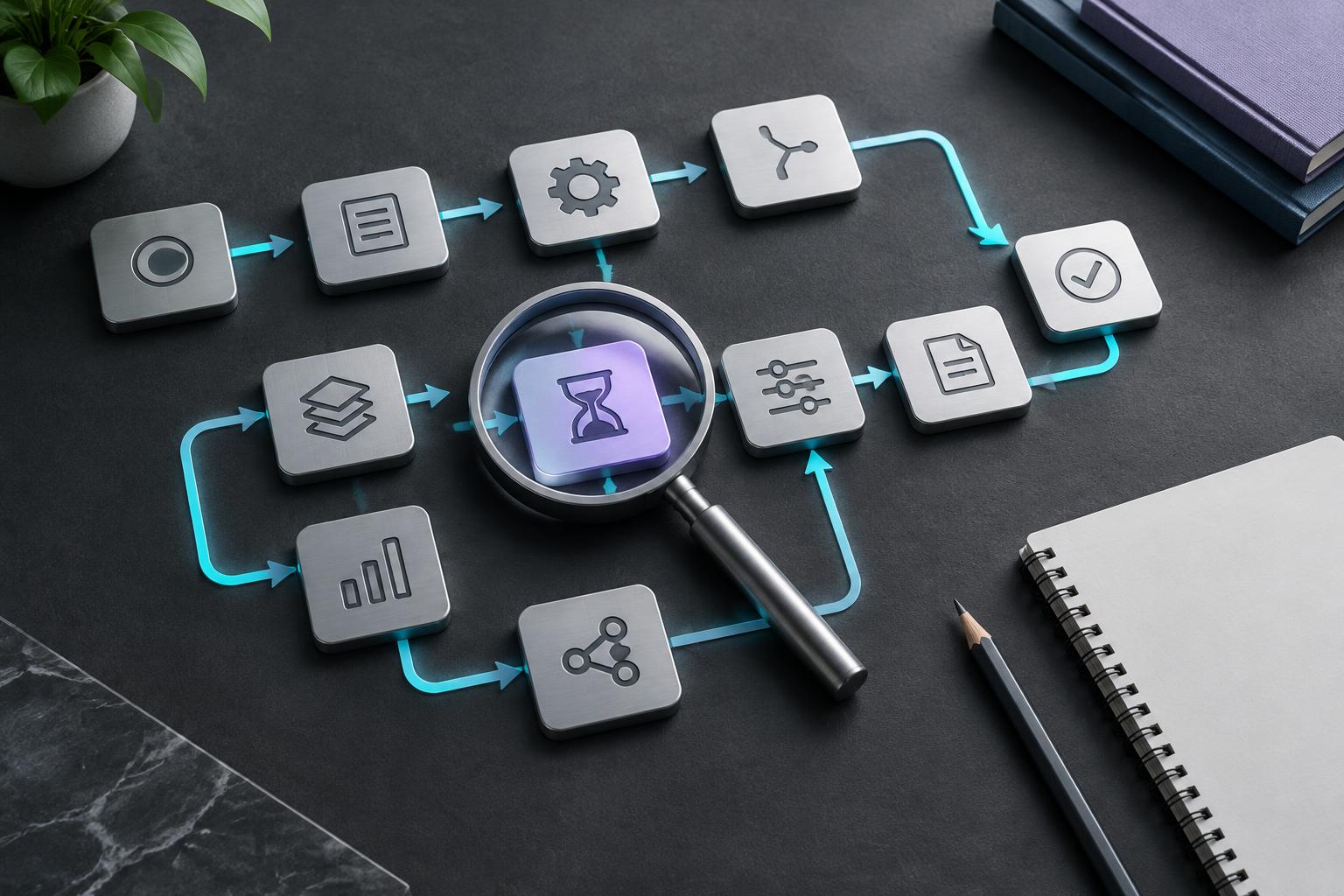
Find the workflow worth fixing first.
A focused session for owners and operations leaders. We map one process, establish a baseline, and tell you plainly whether automation is worth it — before you commit to a build.
Book a Discovery Call- Current workflow map
- Baseline: volume, time, delay, errors
- Ranked opportunity list
- Recommended first workflow and risks
- Go / no-go on a production pilot